
The infrastructure domain is experiencing one of the largest transitions of the decade, the emergence of digital twins. The classic lifecycle model of design, build, and operate is being replaced by an ever-changing, real-time digital ecosystem as governments, engineering firms, contractors, and asset owners seek more predictable, data-driven, and sustainable outcomes of any project. Bentley iTwin lies at the center of this transformation, being a strong platform that can be used to design, maintain, visualize, and analyze digital twins of infrastructure assets.
This is an influential guide that divides all you should know about the creation of a digital twin for infrastructure using Bentley iTwin, including its fundamental ideas, workflows, data integrations, use cases, difficulties, and opportunities. This blog will provide you with complete knowledge of the capabilities of iTwin and its reinvention of infrastructure delivery regardless of whether you are a BIM manager, civil engineer, infrastructure owner, or technology strategist.
What Is a Digital Twin in Infrastructure?
A digital twin is an online image of a tangible object—enhanced with live data and analytics, geometry, operationalists, and history. A digital twin is dynamic, unlike a fixed 3D model or BIM file, which is an indicator of the present situation and functioning of an asset.
Digital twins can be an infrastructure that represents:
- A bridge and its structural behavior
- A wastewater treatment plant and its operational flows
- A highway network with traffic and maintenance data
- A rail system with track, signaling, and rolling stock information
- A power grid with live consumption and load balancing metrics
An effective digital twin design enhances the quality of decision-making, minimizes downtime, and maximizes asset lifecycle return on investment, from planning to decommissioning.
Why Bentley iTwin for Digital Twins?
Bentley Systems is also recognized by the presence of civil and industrial engineering products—MicroStation, OpenRoads, OpenBuildings, OpenPlant, PLAXIS, SYNCHRO, etc. iTwin is regarded as the platform that integrates other products and provides the interface to the external world.
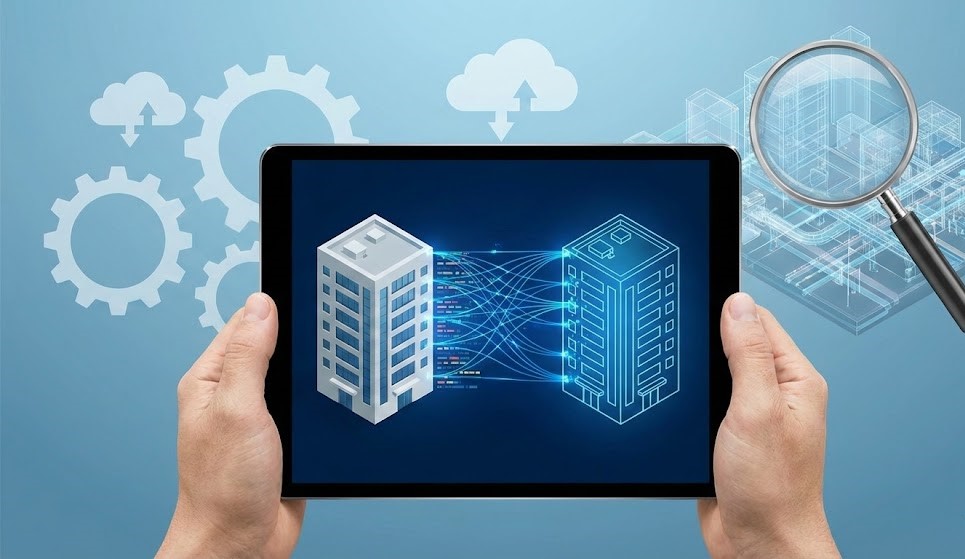
Key Reasons Bentley iTwin Is Ideal for Infrastructure Digital Twins
1. Built Specifically for Infrastructure
In contrast to most platforms that are targeted at general industry or manufacturing, iTwin targets civil, industrial, and heavy infrastructure and has support for large-scale, multi-disciplinary data structures.
2. Supports Open and Proprietary Formats
iTwin is not locked to a single software environment. It supports:
- IFC
- Revit
- AutoCAD
- Navisworks
- SHP, GeoJSON
- MicroStation DGN
- Reality meshes (3MX/iModel)
- GIS datasets
- IoT feeds
This ensures true interoperability, essential in infrastructure projects with many stakeholders.
3. Cloud-Native, Scalable, and Real-Time
Bentley iTwin consists of a cloud service (Azure-based), and therefore, it gives the possibility to synchronize data in real time, access data remotely, and collaborate with global teams of users.
4. iModel Hub for Data Integrity
The iModel Hub is an environment with version control that monitors all the changes made and guarantees consistency and audibility of data at any point in time.
5. Advanced Analytics & AI Integration
iTwin integrates with:
- Bentley Analytics
- Microsoft Power BI
- IoT dashboards
- Machine learning modules
This adds predictive maintenance, risk forecasting, and operational optimization.
Core Components of Bentley iTwin
Before creating a digital twin, it is important to understand iTwin’s architecture.
1. iTwin Platform
The foundation, a cloud-based environment for creating, storing, managing, and visualizing digital twins.
2. iModel Hub
The central collaborative hub where all engineering and BIM data is aligned, synchronized, and version-controlled automatically.
3. iTwin Capture
Captures reality data using photogrammetry, LiDAR, drone scans, and mapping systems to generate reality models.
4. iTwin Experience
A visualization and analytics platform enabling stakeholders to interact with digital twins intuitively.
5. iTwin IoT
Connects sensors and IoT devices for monitoring structural health, environmental conditions, and asset performance.
Steps to Create a Digital Twin Using Bentley iTwin
Designing a digital twin using Bentley iTwin demands an organized workflow of data combination that guarantees quality, trustworthy modeling, and effective coordination. Although all projects might vary, the steps below can be identified as the main process applied in all infrastructure projects.
1. Define the Purpose and Scope
Before creating a digital twin, teams must clarify the project’s goals and intended use cases, such as design review, construction monitoring, or long-term asset management. This helps determine data requirements, stakeholders, and the level of detail needed.
- Project objectives (e.g., improve design coordination, enable real-time monitoring, support facility management)
- Level of detail (LOD) needed at each stage
- Data sources that will contribute to the twin
- Stakeholders who will use or maintain the digital twin
- KPIs and success criteria
2. Aggregate Existing Project Data
Bentley iTwin is a federated data environment that integrates data on CAD models and BIM applications (Revit, OpenBuildings, and OpenRoads) with GIS data, reality capture inputs, and document systems, such as ProjectWise. This guarantees the central access to design, geospatial, and asset data.
3. Create an iModel
The digital twin is supported by the iModel. It is a versioned and structured storage that holds synchronized project data. By developing an iModel, one can achieve change-tracking, schema-based organization, and efficient management of large, multi-discipline models.
It enables:
- Change tracking and auditing
- Model alignment and georeferencing
- Schema-based data structuring
- Efficient performance for large models
Once an iModel is created, all future data inputs synchronize into this environment, automatically updating the digital twin in near real-time.
4. Synchronize BIM and Engineering Models
Project teams upload and synchronize their native files to the iModel with the help of iTwin Connectors. In the process, Bentley will automatically harmonize coordinates, retain metadata, and record any changes. This provides the consistency and traceability of every update.
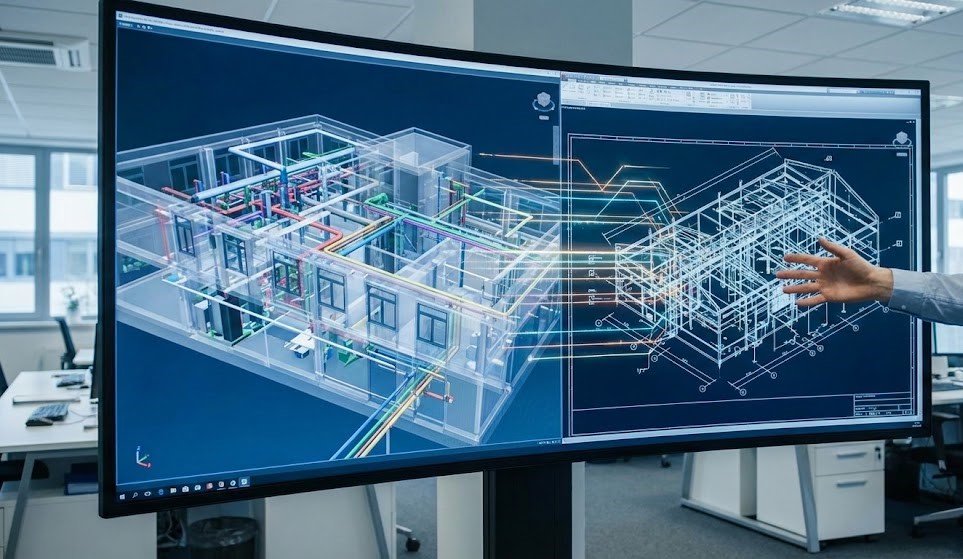
During synchronization, the system:
- Converts native models into the open iModel format
- Resolves coordinates and geospatial alignment
- Maintains object properties and metadata
- Tracks changes between model revisions
- Automatically logs change history
This step ensures that the digital twin accurately represents the evolving design and construction data across all project phases.
5. Add Reality Capture Data
To improve accuracy, reality capture data, such as LiDAR point clouds, photogrammetry, and drone imagery, can be added to the digital twin. Tools like ContextCapture and iTwin Capture help create highly detailed, real-world context models.
6. Integrate IoT and Sensor Data
For operational digital twins, real-time sensor and SCADA data can be connected. This transforms the model from a static representation into a live, dynamic asset that supports performance monitoring and predictive maintenance.
7. Enable Collaboration and Visualization
Bentley iTwin allows stakeholders to review and analyze the digital twin directly through a browser. Teams can perform design reviews, clash detection, model comparisons, and issue tracking, all without specialized software.
8. Validate and Deploy the Digital Twin
Before final use, the digital twin goes through QA/QC checks for geometry, metadata, and alignment. Once validated, it supports design coordination, construction sequencing, operations, and long-term asset management. Continuous updates ensure the twin remains accurate throughout the infrastructure lifecycle.
Challenges in Creating Digital Twins
1. Data Fragmentation
iTwin unites CAD, BIM, GIS, and IoT in one environment.
2. Interoperability Issues
Open standards allow smooth data exchange between multiple software systems.
3. Keeping the Twin Updated
IoT feeds and automated model alignment maintain real-time accuracy.
4. Stakeholder Training
iTwin Experience provides intuitive navigation for non-technical users.
5. Cost of Implementation
Cloud scalability means start-small, grow-as-needed models reduce upfront investment.
The Future of Bentley iTwin in Infrastructure
Digital twins are becoming mandatory in government projects worldwide. Bentley iTwin is already moving toward:
- Automated AI-driven inspections
- Resiliency modeling for climate change
- Integration with autonomous construction equipment
- City-scale twins using GIS + BIM + IoT
- Digital twin marketplaces and APIs
- Greater use of robotics and drone automation
The iTwin ecosystem is evolving faster than ever, reshaping how infrastructure is delivered, operated, and maintained.
Conclusion
Digital twin infrastructure is no longer a far-off concept but a strategy that all contemporary engineers and asset managers need to have. A new solution, Bentley iTwin, helps organizations to centralize information, enhance collaboration, track real-time situations, and open up strong analytics in design, construction, and operations.
Bentley iTwin gives you the tools, flexibility, and scalability required to make digital twins really transformative, regardless of whether you are running a bridge, a rail system, a utility network, or a smart city program. The future of engineering is going to be digital twins as infrastructure becomes more complex and the need to be efficient increases, and Bentley iTwin is at the forefront of this trend.