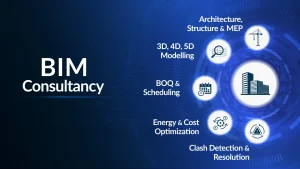
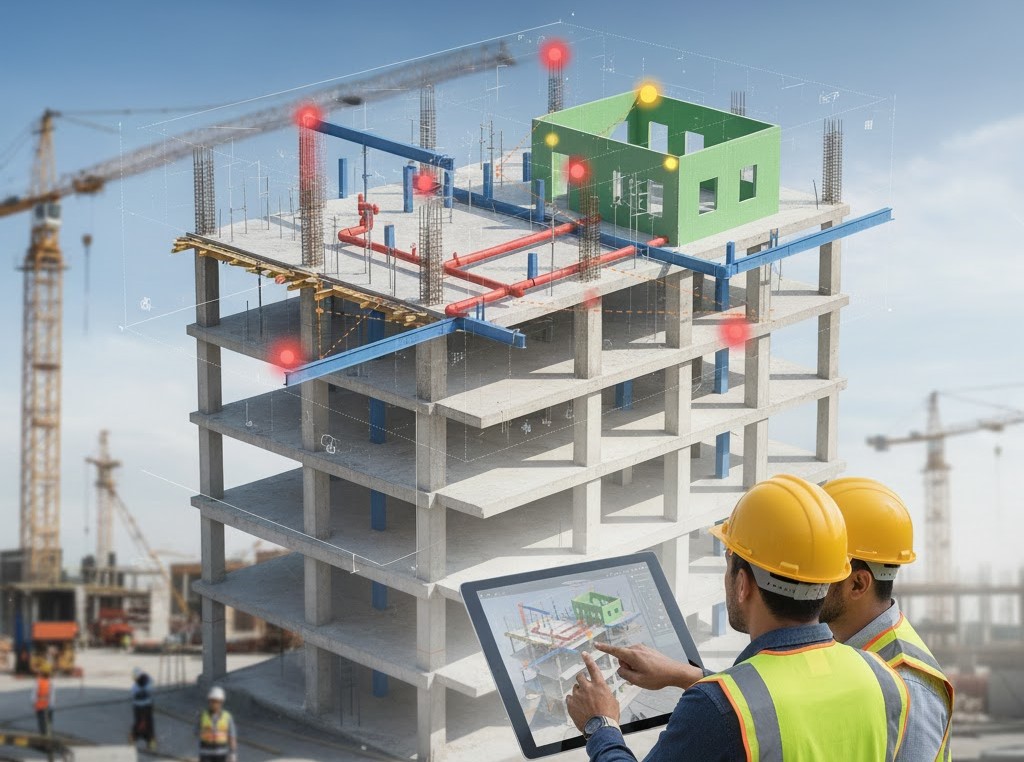
The world of construction technology is changing rapidly, and Building Information Modeling (BIM) has redefined the working process of architects, engineers, and contractors. Clash detection in the BIM is one of the most important tools of minimizing risks in the project and saving money, and optimizing construction processes among numerous strong functions of this software.
You already know how expensive and time-consuming unexpected design clashes on-site can be, such as the beams being cut by the pipes or the ducts and the lights in the same location. BIM can be used to detect clashes, thus removing such surprises even before construction.
Within this guide, we will be looking at what clash detection is, how it works, the types of clashes it can detect, the advantages of it, the tools, and the best practices of implementing clash detection.
What Is Clash Detection in BIM?
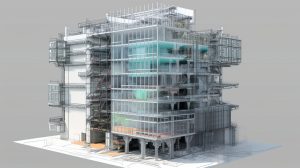
BIM clash detection is a process whereby conflicts or clashes between various elements of a building are identified and resolved in a 3D BIM model prior to the commencement of its actual construction.
The conflict arises when two or more elements of various disciplines (including architectural, structural, and MEP (Mechanical, Electrical, and Plumbing)) interfere with each other either in the space or logically.
Why Clash Detection Is Important in Construction
The use of traditional 2D drawings frequently created problems in getting the different building systems to be visualized by teams. Clashes were often found out during work in the field despite having professional skilled workers.
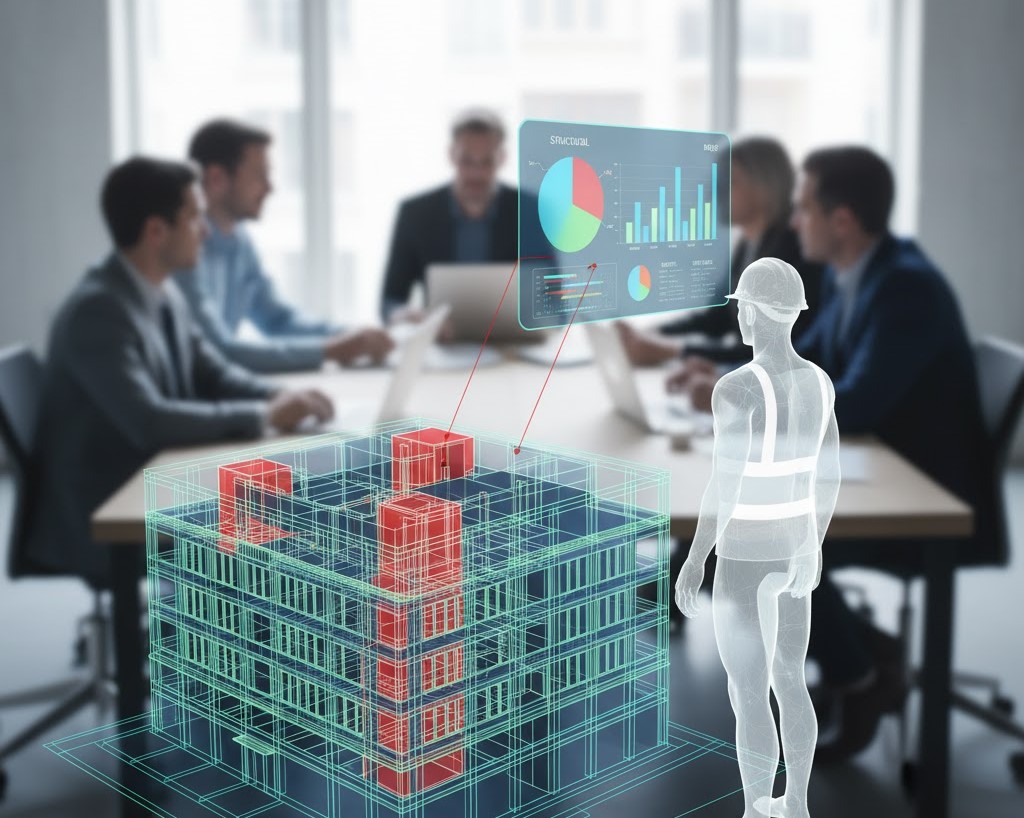
BIM Clash detection helps to overcome this issue by uniting all the disciplines of the project into a coordinated digital setting.
- Reduces costly rework: Detecting design conflicts early helps avoid changes during construction, which can cost thousands of dollars in wasted materials and delays.
- Improves coordination: Clash detection ensures that architectural, structural, and MEP models work harmoniously, enhancing collaboration between different teams.
- Saves time and resources: By resolving issues before they reach the site, project timelines are streamlined, and productivity increases.
- Enhances project quality: The end product benefits from better accuracy, safety, and quality assurance.
- Supports seamless project delivery: Clash detection forms the foundation for advanced BIM workflows like 4D scheduling and 5D cost estimation.
In short, clash detection transforms BIM from a visualization tool into a coordination powerhouse.
Types of Clashes Detected in BIM
Not all clashes are physical overlaps. In BIM, clashes are categorized based on how elements interfere or contradict each other. The three primary types are:
1. Hard Clashes
These occur when two or more components physically intersect within the model’s 3D space.
Example: A beam running directly through a duct or a pipe intersecting a wall.
Hard clashes are the most visible and usually the easiest to identify using BIM tools like Navisworks Clash Detective.
2. Soft (Clearance) Clashes
A soft clash occurs when components are too close together, violating clearance or maintenance space requirements.
Example: A maintenance hatch that opens into a nearby duct, leaving insufficient space for access. Soft clashes often go unnoticed in traditional drawings but can create serious operational and safety issues in real-world construction.
3. Workflow or 4D Clashes (Scheduling Conflicts)
These aren’t physical conflicts but rather time-based clashes. They occur when construction activities are scheduled to happen simultaneously in the same area.
Example: Installing electrical wiring while concrete pouring is scheduled in the same section. These are identified through 4D BIM, where time is integrated into the 3D model for construction sequencing.

How Clash Detection in BIM Works
Clash detection is typically performed after individual discipline models—Architectural, Structural, and MEP—are combined into a single federated model. Here’s the general workflow:
Step 1: Model Integration
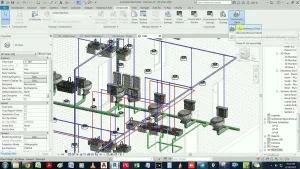
Each discipline (architecture, structure, MEP) develops its own BIM model. These models are then imported into coordination software like Autodesk Navisworks, Solibri, or BIMcollab to form a unified project model.
Step 2: Clash Setup
The BIM coordinator defines clash rules and tolerances—for instance, specifying minimum clearance distances or ignoring minor overlaps that fall within acceptable limits.
Step 3: Clash Detection Run
The software automatically scans the model to identify intersections or conflicts between specified components (e.g., ducts vs. beams). The result is a clash report, listing each issue with location, involved elements, and type of conflict.
Step 4: Clash Review and Coordination Meeting
The project team reviews the report in a coordination meeting. Each clash is assigned to a responsible discipline for resolution. Visualization tools allow stakeholders to navigate directly to the problem area in 3D space.
Step 5: Resolution and Model Update
After discussions, responsible teams modify their models to eliminate the clash. The revised models are then re-checked in another coordination cycle. This process continues until the model is clash-free.
Step 6: Clash-Free Model Delivery
Once all conflicts are resolved, the final coordinated model becomes the construction-ready BIM model, ensuring a smooth workflow for on-site teams.
Tools Commonly Used for Clash Detection
There are several BIM tools designed specifically for detecting and managing clashes. The most popular include:
- Autodesk Navisworks Manage – The industry standard for clash detection and coordination; integrates with Revit and supports 4D/5D simulation.
- Solibri Model Checker – Ideal for advanced quality control, rule-based model checking, and BIM validation.
- BIMcollab / BIM Track – Cloud-based issue management platforms that streamline communication among stakeholders.
- Tekla Structures – Powerful for detecting clashes in structural and steel detailing.
- Revizto – A collaboration platform that combines 3D coordination and issue tracking in one visual interface.
Each tool provides features like automated clash detection, visual reports, coordination dashboards, and progress tracking to simplify model management.
Benefits of Clash Detection in BIM
1. Cost Reduction and Fewer Change Orders
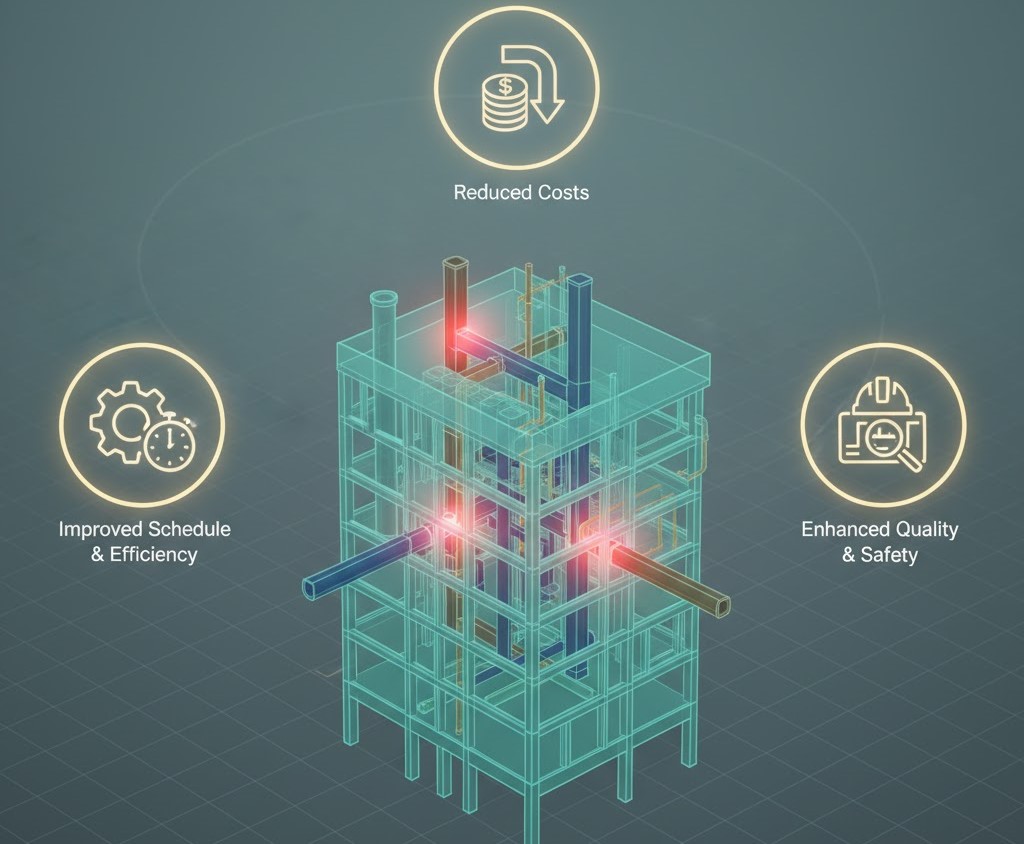
According to industry reports, rework due to design clashes can contribute up to 5–10% of total project cost. Clash detection helps identify these issues early, saving money that would otherwise be lost to material waste or redesigns.
2. Improved Interdisciplinary Coordination
By integrating multiple models, BIM creates a collaborative environment where architects, structural engineers, and MEP teams can work together seamlessly. This collaboration reduces miscommunication and overlapping responsibilities.
3. Enhanced Construction Scheduling
When combined with 4D BIM, clash detection helps identify not just physical but also workflow clashes, improving sequencing and on-site efficiency.
4. Risk Mitigation
Detecting potential conflicts early reduces the likelihood of on-site accidents, schedule overruns, and budget escalations—key risks in large-scale projects.
5. Better Visualization and Decision-Making
3D visualization helps all stakeholders—including non-technical clients—understand potential issues clearly. This transparency supports faster, more informed decision-making.
6. Increased Project Quality
A clash-free model ensures that construction drawings are more accurate, installations fit correctly, and the finished structure meets design intent with minimal rework.
Best Practices for Effective Clash Detection in BIM
To make the most of BIM clash detection, teams should adopt the following best practices:
1. Establish BIM Execution Plan (BEP)
A BEP defines how collaboration, model exchange, and clash detection will be handled across disciplines. Setting clear standards for LOD (Level of Detail), naming conventions, and file exchange prevents confusion later.
2. Define Clash Tolerance Early
Not all overlaps matter—minor intersections may be acceptable depending on materials. Define tolerance levels for hard and soft clashes upfront to avoid unnecessary clutter in clash reports.
3. Coordinate Regularly
Don’t wait until the design is complete. Conduct clash detection at every major milestone (schematic, design development, and construction documentation) to catch issues progressively.
4. Use Color Coding and Filters
During coordination, color-coded clashes make it easier to visualize problem areas (e.g., red for major clashes, yellow for minor ones).
5. Prioritize and Assign Responsibilities
Every clash should be categorized by severity and assigned to the relevant team for resolution. Tools like BIMcollab or Revizto simplify issue tracking and accountability.
6. Integrate 4D and 5D BIM for Advanced Coordination
Incorporate time (4D) and cost (5D) dimensions into the model to visualize how changes affect the project schedule and budget.
7. Document Resolutions
Maintain a clash log with comments, screenshots, and resolution history. This documentation helps track progress and serves as proof of design coordination.
Common Challenges in Clash Detection
Even with advanced BIM tools, teams may face challenges such as:
- Too many false positives: Overly strict detection parameters can produce hundreds of minor, irrelevant clashes.
- Data inconsistency: Different modeling standards between teams can lead to misalignment or duplicated elements.
- Software interoperability issues: Models built in different software (e.g., Revit vs. ArchiCAD) may not align perfectly in federated environments.
- Lack of communication: Without clear ownership, clashes can remain unresolved across multiple coordination cycles.
Overcoming these issues requires proper BIM management, quality control, and inter-team communication.
Future of Clash Detection in BIM
As technology advances, clash detection is evolving beyond traditional geometry checks. AI and cloud-based BIM coordination are enabling predictive and real-time clash management.
Key trends include:
- AI-assisted clash prioritization – Machine learning helps identify which clashes are critical based on impact.
- Cloud collaboration – Platforms like Autodesk BIM 360 and BIM Track enable real-time issue tracking across teams.
- Automated model correction – Intelligent algorithms can suggest solutions to detected clashes.
- Integration with digital twins – Clash detection will extend into operational phases, identifying maintenance conflicts during building lifecycle management.
These advancements make BIM not just a design coordination tool but a continuous improvement system across the entire project lifecycle.
Conclusion
Clash detection in BIM isn’t just a technical step—it’s an essential process that helps construction projects in Hauppauge, NY and across Long Island avoid costly mistakes, delays, and coordination issues. When teams work with local experts such as STRAND Consulting they benefit from early conflict detection and stronger collaboration between architects, engineers, and contractors. This approach keeps the entire project organized and running smoothly from the very beginning.
By using BIM clash detection early in the project, professionals get a more predictable and profitable workflow. It helps reduce design conflicts, improves communication among all disciplines, and supports seamless project delivery. Whether you are an architect focused on precision, an engineer ensuring system reliability, or a contractor managing tight budgets, partnering with STRAND Consulting at 490 Wheeler Rd, Suite 108, Hauppauge, NY 11788 gives you the expertise needed for conflict-free construction. Their team can also be reached at (631) 805-3179, and you can easily find their office through their map.
When clash detection is implemented early and applied correctly, it transforms how construction projects are delivered—efficiently, accurately, and with complete coordination—helping teams in New York achieve high-quality results every time.